
How to Set Up a Home Cinema in a Small Room
Quick Summary
To set up a home cinema in a small room, measure the room first and fix the seat-to-screen distance, then mount the screen so its center sits near eye level, typically 40 to 48 inches from the floor. Place your projector or TV and speakers around that layout, keeping the left and right speakers equidistant from the main seat.
- Measure room length, width, ceiling height, windows, doors and outlets before buying anything.
- Use a 30- to 40-degree viewing angle to choose the screen size for your seat-to-screen distance.
- Keep at least 30 to 36 inches of clear walkway between seating and the screen wall.
- Use a 2.1, 3.1 or 5.1 speaker layout depending on how much space and budget you have.
- Prioritize the center channel for dialogue, then left-right symmetry, then surrounds when spacing is tight.
Table of Contents
- How Do You Set Up a Home Cinema in a Small Room?
- Measure Your Room and Plan the Layout
- Set Up the Projector or TV
- Place Your Speakers and Seating for Surround Sound
- Frequently Asked Questions
How Do You Set Up a Home Cinema in a Small Room?
Last Updated: November 25, 2026
Setting up a home cinema in a small room needs a clear plan, the right projector or TV, and carefully placed speakers. This guide shows you how to build a big-screen setup in a small apartment or spare room without guesswork.
The short answer: measure first, mount the screen at a height that suits your seating, then place your sound where it supports the picture.
Measure Your Room and Plan the Layout
Start with a tape measure. Record room length, width, and ceiling height, then mark window and door positions, since they set light control and sound reflection. Note outlets and the cable path.
- Fix the screen wall. Choose the wall with the least direct window light and fewest doors; measure its usable width and height.
- Set the seating row. Place the couch where you will actually watch, then measure from the viewer's eye to the screen wall. This seat-to-screen distance drives screen size.
- Size the screen to the distance. A common planning range is a 30- to 40-degree viewing angle, so the right screen size depends on your seat-to-screen distance.
- Set screen height. The center of the screen should land near eye level when seated, typically 40 to 48 inches from the floor for a standard sofa. A screen mounted too high causes neck strain.
- Reserve walkways. Keep at least 30 to 36 inches of clear path between seating and the screen wall or side walls. In a small room this clearance often decides seating depth more than screen size does.
- Map the cable path. Trace the route from the display to the equipment location and confirm outlets along it before committing to furniture placement.
Write the final numbers on a simple floor sketch: room dimensions, seat-to-screen distance, screen diagonal, screen center height, and walkway width. That sketch becomes the spec sheet for every buying decision.
Watch out: measuring the wall but not the seat-to-screen distance is the most common planning error, and it usually results in a screen that is too large for the room or too small for the viewing position.
Set Up the Projector or TV
Pick your display based on the room. A portable projector such as the YG300 Pro Mini LED Projector, 320 × 240 Native Resolution sits on a shelf or table and needs no wall mounting. Its listing describes it as a compact LED projector for casual viewing in dim or dark settings, so keep the room dark when you watch.
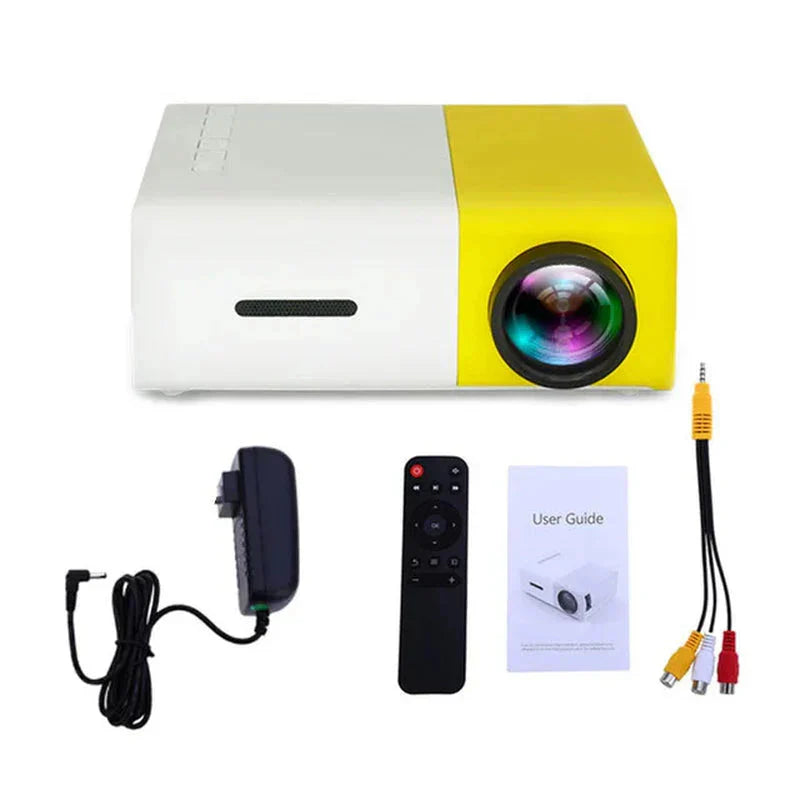
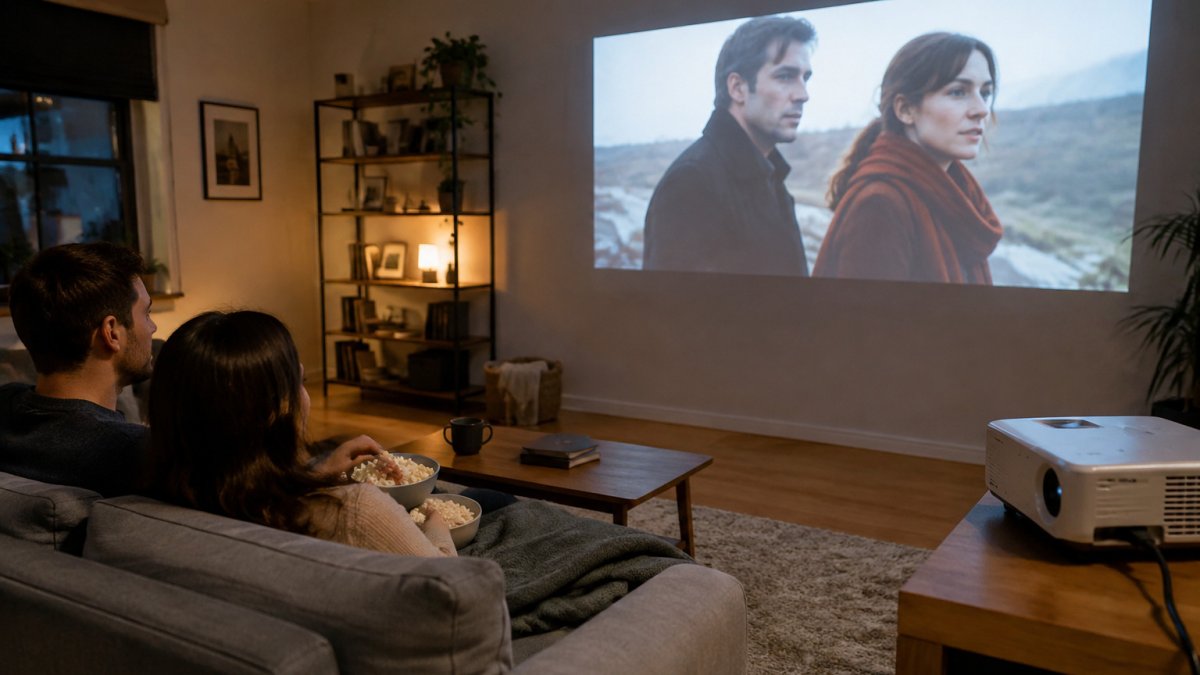
Position the projector straight across from the screen, aim the lens at the center of the wall, and adjust the roller focus until the image looks sharp.
To free up floor space, mounting it overhead is an option. Learn how to mount a projector on a ceiling without drilling if you rent, and see our guide to choosing a mini projector for ceiling viewing for the trade-offs.
Run HDMI or USB cables along wall edges and tuck them behind furniture.
Place Your Speakers and Seating for Surround Sound
Good sound matters as much as the picture, and in a small room the constraint is almost always spacing rather than budget. Plan the layout around your actual seat-to-screen distance and wall positions.
Start with the listening triangle. Place the left and right speakers at ear height when seated, angled slightly toward the main seat, and keep them the same distance from that seat. A common starting pattern is an equilateral triangle: if the seat is 9 feet from the screen, the speakers sit about 9 feet apart and about 9 feet from the listener. In a small room, pull the speakers in until the triangle is as close to equal as the walls allow.
- 2.1 (two speakers plus subwoofer): The most forgiving small-room layout. Place the left and right speakers flanking the screen, and put the subwoofer in a corner or along the front wall, then move it a foot or two at a time to smooth bass. Best when side walls are close.
- 3.1 (adds a center channel): Add a center speaker directly under or above the screen, aimed at the seat. The center carries most dialogue, so this is the highest-value upgrade for film watching in a narrow room.
- 5.1 (adds surround speakers): Place surrounds slightly behind and to the sides of the seat, at or just above ear height, angled inward. If the rear wall is too close for stands, wall-mount the surrounds at the sides of the seat and angle them toward the listener.
When ideal spacing is impossible, prioritize center-channel dialogue first, then left-right symmetry, then surrounds. Keep the left and right speakers equidistant from the seat even if one sits closer to a wall, and use the speaker's room-correction or level settings to compensate.
Seating choices. Choose a sofa or loveseat that fits without blocking the path to the screen, and keep the main seat centered on the screen. Avoid placing seats directly against the back wall, since that causes harsh reflections and boomy bass. If the room must double as a living space, favor seating that can be shifted or a compact two-seat arrangement that leaves a clear walkway.
Acoustic treatment without renovation. In a shared or rented room, use reversible options: a thick rug on a hard floor, lined curtains over windows, and a bookshelf or movable acoustic panel behind the seat. These reduce flutter echo and soften reflections without drilling. Bass buildup in corners is the usual small-room problem; moving the subwoofer and seating a foot or two often does more than any panel.
Ventilation, cables, and heat. Leave a few inches of clearance around receivers, projectors, and subwoofer amplifiers, and do not box equipment into a closed cabinet. Run cables along wall edges or behind furniture, and use cable covers where a path crosses a walkway.
Watch out: placing surround speakers directly behind the seat against a close rear wall can make sound seem to come from the wrong direction; side placement angled inward is generally the better choice in a compact room.
The table below summarises the speaker layouts the article describes, so you can compare the options at a glance.
| Setup | Speaker layout | Best for |
|---|---|---|
| 2.1 | Left and right flanking screen, subwoofer in corner or front wall | Narrow rooms with close side walls |
| 3.1 | Adds center speaker under or above screen | Dialogue-heavy film watching |
| 5.1 | Surrounds at sides of seat, angled inward | Full surround in a compact room |
Frequently Asked Questions
What is the minimum room size for a home cinema?
A workable small home cinema can fit in a room about 10 by 12 feet, though 12 by 14 feet gives more breathing room. The key numbers are the distance from screen to seat and the space behind the seating for speakers and wiring. Measure the room first, then sketch where the screen, seats and speakers will sit. If the seating position is more than about 2 times the screen width away, the picture will feel small, so plan the layout before buying equipment. A compact portable projector such as the YG300 Pro Mini LED Projector ($41.67) needs no fixed mount and sets up on a shelf or table.
Can you use a white wall as a projector screen?
Yes, a plain, flat white wall can work as a projector screen for casual viewing, especially in a dim room. Paint with a matte finish reflects light more evenly than glossy paint, and dark or textured walls reduce contrast. Expect a dimmer, less sharp image than a dedicated pull-down screen, and make sure the projector is lined up square to the wall so the picture is not distorted. Dimming the lights or closing curtains makes a bigger difference than any other step, so a wall setup is a sensible starting point before you invest in a screen.
Is a projector or TV better for a small room?
A TV is simpler and brighter, so it suits a small room with daytime light or where you want no setup. A projector gives a much larger picture from a small footprint, which is why many small apartment owners prefer it, but it needs a darker room and a clear wall or screen. If the room gets bright sun, a TV is the safer choice. If you want a big screen and can control the light, a projector such as the YG300 Pro Mini LED Projector ($41.67) is one option to consider for a compact setup.
