
How Far Back Should a Projector Sit for a 100-Inch Screen?
Last Updated: November 14, 2026
Quick Summary
Projector distance is how far the projector sits from the screen, and it decides how big the image is. To find the right projector distance for a 100-inch screen, multiply the projector's throw ratio by the screen width, which is about 87 inches for a 16:9 screen.
- Projector distance is measured from the projector to the screen, not from your seat.
- A 100-inch 16:9 screen is about 87 inches (roughly 2.2 meters) wide.
- Multiply the throw ratio by the screen width to calculate throw distance.
- A throw ratio of 1.5 would need about 130 inches (3.3 meters) of space.
- Measure the room and confirm the result fits before mounting anything.
Table of Contents
- Projector Distance vs. Viewing Distance: What the Difference Is
- Projector Throw Ratio Explained and How to Calculate Throw Distance
- Projector Distance for a 100-Inch Screen and Room Setup Checklist
- Frequently Asked Questions
Projector Distance vs. Viewing Distance: What the Difference Is
The projector distance is how far the projector sits from the screen. The viewing distance is how far your seat sits from the screen. People mix these up all the time, and that mix-up is why many 100-inch setups feel wrong.
This confusion comes up often when people set up portable projectors in small rooms. Your projector distance decides how big the image is. Your viewing distance decides how comfortable it feels to watch.
- Projector distance: Projector to screen
- Viewing distance: Your couch to screen
Get the projector distance right first, then pick a seat that fits the screen size.
Projector Throw Ratio Explained and How to Calculate Throw Distance
The throw ratio is the number that links projector distance to screen width. It is the distance divided by the image width. A lower throw ratio means the projector can sit closer and still fill a 100-inch screen.
To calculate throw distance, multiply the throw ratio by the screen width. For a 100-inch 16:9 screen, the width is about 87 inches (roughly 2.2 meters). A projector with a throw ratio of 1.5 would need about 130 inches (3.3 meters) of space.
- Find the throw ratio in the projector's specs
- Measure the screen width
- Multiply the two numbers
- Check the result against your room
The table below sums up the steps for working out throw distance from the throw ratio.
| Step | What to do | Note |
|---|---|---|
| Find throw ratio | Check the projector's specs | Lower ratio sits closer |
| Measure screen width | 100-inch 16:9 screen | About 87 inches (2.2 m) |
| Multiply | Throw ratio × screen width | Gives the throw distance |
| Check room | Compare result to your space | Confirm it fits |
Projector Distance for a 100-Inch Screen and Room Setup Checklist
The right projector distance depends on the model, so check the specs before you buy. The Mini Projector - 1080P Full HD Support, Portable LED Projector, 4K Video Playback, Multiple Connectivity Options projects up to 80 inches within 2 meters. You can see this portable projector to test these distances at home before you commit to a setup. Still, always confirm the exact distance for your screen size.
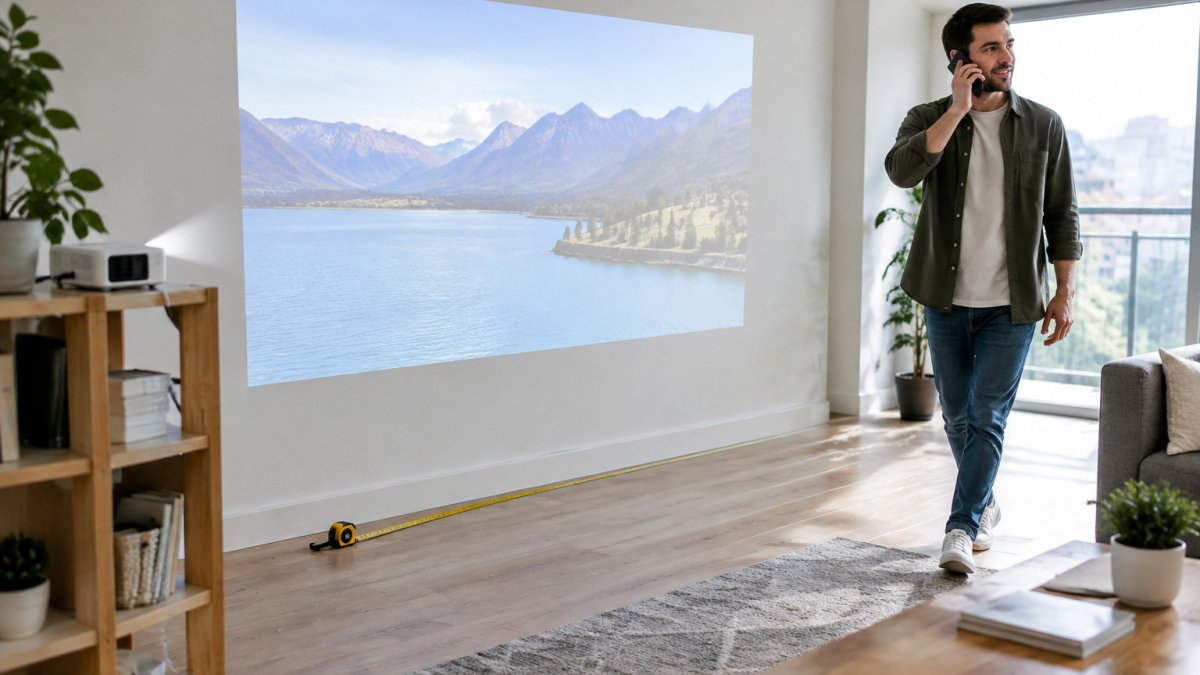
Use this checklist before you mount anything:
- Measure the room from wall to seat
- Note the projector's throw ratio
- Calculate the distance for a 100-inch screen
- Leave room behind the projector for airflow
- Test the picture before you drill holes
Wondering if a portable projector can work in a small rental? Read Are Portable Projectors Bright Enough for Apartments? before you decide.
Frequently Asked Questions
How far away should I sit from a 100-inch projector screen?
Seating distance for a 100-inch screen is a personal choice, but many viewers sit roughly 2.5 to 3.5 metres back for comfortable 1080p viewing, and further back for 4K. This is separate from projector throw distance, which is the gap between the lens and the screen. Sit where the picture fills your field of view without forcing you to move your eyes across the whole image.
How far away does a projector have to be for a 100-inch screen?
It depends on the projector's throw ratio. Multiply the screen width by the throw ratio to get the lens-to-screen distance. A 100-inch 16:9 screen is about 221.4 cm wide, so a projector with a throw ratio of 1.5 needs roughly 3.3 metres of throw distance. Check your model's spec sheet for its exact throw ratio and zoom range.
How do I calculate projector throw distance for a 100-inch screen?
Measure the screen width for a 100-inch 16:9 screen, which is about 221 cm. Find your projector's throw ratio in its spec sheet, then multiply the width by that ratio. Use the result as your starting throw distance and adjust using zoom or lens shift. Measure the actual distance in your room before mounting.
